
جستجوی یادداشت ها
To search for notes or for text inside notes you can use the shortcut Ctrl + ⇧ Shift + F (or ⌘ Cmd + ⇧ Shift + F on macOS) to jump to the Note search panel.
روش های مختلفی برای جستجوی یادداشت ها وجود دارد:
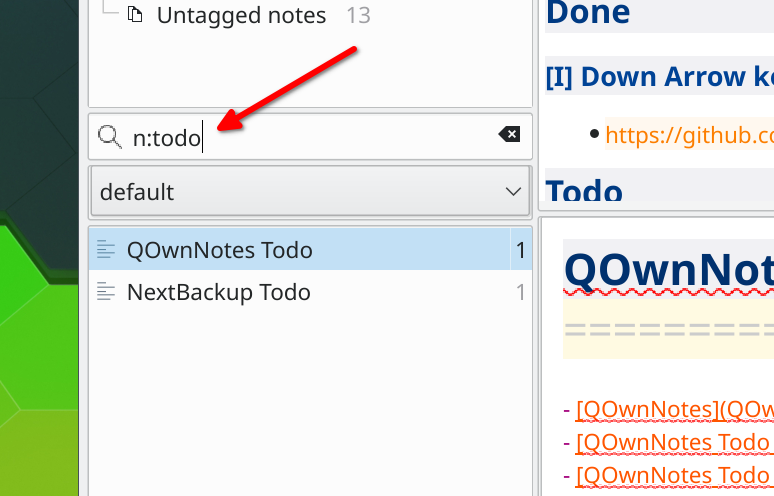
note bookwill search for notes containing bothnoteandbookin the file name or note text"note book"دقیقاً به شکلnote bookدر میان یادداشت ها و در نام پرونده یا متن یادداشت مورد جستجو قرار می گیردn:bookیاname:bookبا کلمهbookدر میان یادداشت ها و درست در نام یادداشت یا نام پرونده جستجو می شودn:"note book"orname:"note book"will search for notes with exactlynote bookjust in the note name or file namew:noteorword:notewill search fornoteas a whole word, excluding partial matches likenotebook- Search operators can be combined, for example
n:w:notesearches for the whole wordnoteonly in the note name or file name
Tips
Searching starts after typing at least two characters.